
How to enable email forwarding for restaurants
- Go to admin.google.com and sign in
- Search for the store in question and select it

- Select “Change Organizational Unit”
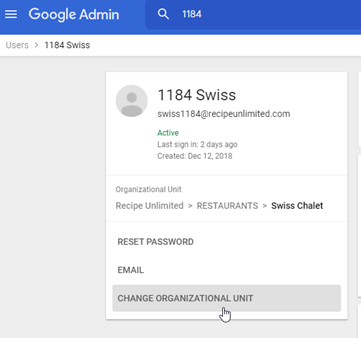
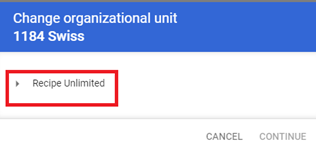
- Expand “Recipe Unlimited”
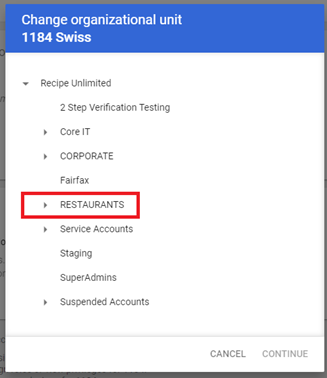
- Expand “Restaurants”
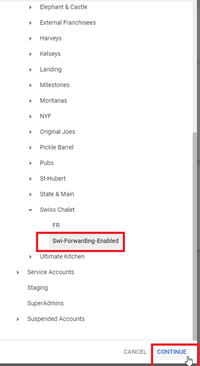
- Expand the correct brand (For this demonstration it would be “Swiss Chalet”)
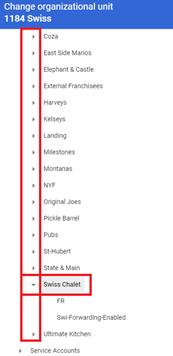
- Select “brand-Forwarding-Enabled” then click continue
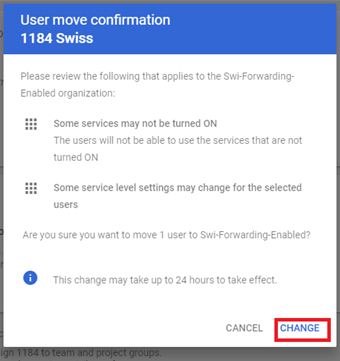
- Select “Change” on the next popup
- You can now close your ticket and let the store know it will be fixed in 24hrs.
Comments
0 comments
Please sign in to leave a comment.